
Prototype
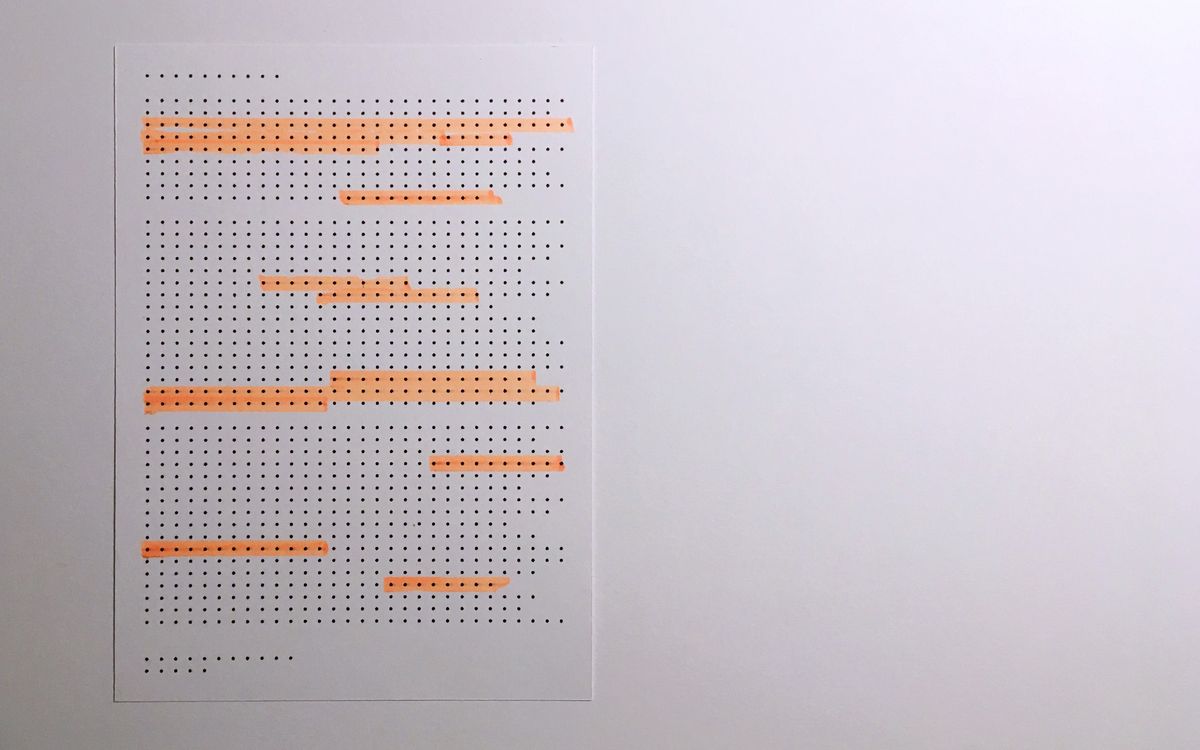
Prototype is a wireframe-inspired layout for rapid prototyping that wears its construction visibly. Grid lines show through, placeholder blocks use crosshatch fills, and the typography is deliberately raw — monospaced labels, minimal hierarchy, and no decorative elements. This is a layout that looks unfinished on purpose, designed for the phase of a project where speed of iteration matters more than polish.
The idea came from noticing that many design-to-code handoffs fail at the wireframe stage because wireframes are built in tools that abstract away CSS constraints. Prototype is a wireframe that is also working code — every placeholder block is a real CSS Grid cell, every spacing value is a real token, and every breakpoint is actually implemented. Teams can sketch, test, and iterate in the browser without the translation step from design tool to code.
Front-end developers building component libraries, design system teams establishing layout foundations, and project managers who need to review layout options before committing to visual design will find Prototype useful as both a template and a process tool. The notes below cover the visible grid system, the placeholder component library, and how to transition from Prototype to production styling without restructuring the underlying HTML.
Layout Anatomy
Prototype uses a 12-column grid with visible guide lines — thin dashed lines that show column boundaries and gutters. The grid overlay can be toggled with a CSS class, making it useful for both prototyping (lines visible) and review (lines hidden). Content blocks snap to standard column spans (3, 4, 6, 8, 12) and the grid uses a consistent 16px gutter. The visible structure means stakeholders can see and discuss column choices directly, without needing to interpret a design mockup.
Spacing and Typography Notes
Spacing uses a strict 8px base unit with no exceptions. Padding and margin values are always multiples of 8 — 8, 16, 24, 32, 48, 64. This constraint is deliberate: by limiting spacing to a strict scale during prototyping, the final design inherits a consistent rhythm regardless of which visual direction is chosen. Spacing values are annotated directly on the page using small labels positioned at the margin edges, visible during prototyping and hidden in production.
All text in Prototype uses a monospaced font at three sizes: 20px for headings, 14px for body, and 11px for annotations. The deliberately limited type system prevents visual design decisions from leaking into the wireframe stage. Content hierarchy is communicated through weight (bold headings vs. regular body) and spacing rather than size variation. When transitioning to production, the monospaced font is swapped for the final type choices — the sizing and spacing remain unchanged.
Components in This Layout
The component library includes placeholder blocks (crosshatched rectangles at standard aspect ratios), text blocks (monospaced content with visible padding), button placeholders (outlined rectangles with centered labels), navigation bars (horizontal strip with equally spaced text items), and image placeholders (blocks with an X from corner to corner and dimensions displayed). Each component has a small label indicating its type and intended purpose, making the wireframe self-documenting.
Common Implementation Mistakes
- Adding visual design details during the wireframe phase. The point of Prototype is to make structural decisions without being influenced by colour, imagery, or decorative type. Adding a 'hint' of the final design defeats the purpose.
- Using non-standard spacing values because '8px is too limiting.' The constraint is the feature. Working within the 8px grid during prototyping produces better rhythm in the final design because every spacing decision was made intentionally rather than by eye.
- Forgetting to test the grid overlay toggle with stakeholders present. The visible grid lines are a communication tool — if stakeholders only see the version without lines, they start giving visual design feedback instead of structural feedback.
- Building the prototype with different HTML structure than the intended production page. The whole value is that Prototype is also working code. If the HTML changes when transitioning to production, you lose the ability to iterate on the layout in the browser.
- Removing the annotation labels too early. Keep them visible until the design system's spacing tokens are finalized. They serve as a visual audit tool that catches inconsistencies before they become ingrained.